Common Issues
Common Issues
The problems below cover the most frequent issues reported by site administrators. Work through each check in order before contacting support.
Properties Page Shows as Blank
If the page you created for your property listing loads but displays nothing, check the following:
- Go to Menus in the Joomla administrator and confirm that a menu item exists for the Properties Listing view. The menu item type must be set to Properties Listing under the FW Real Estate group.
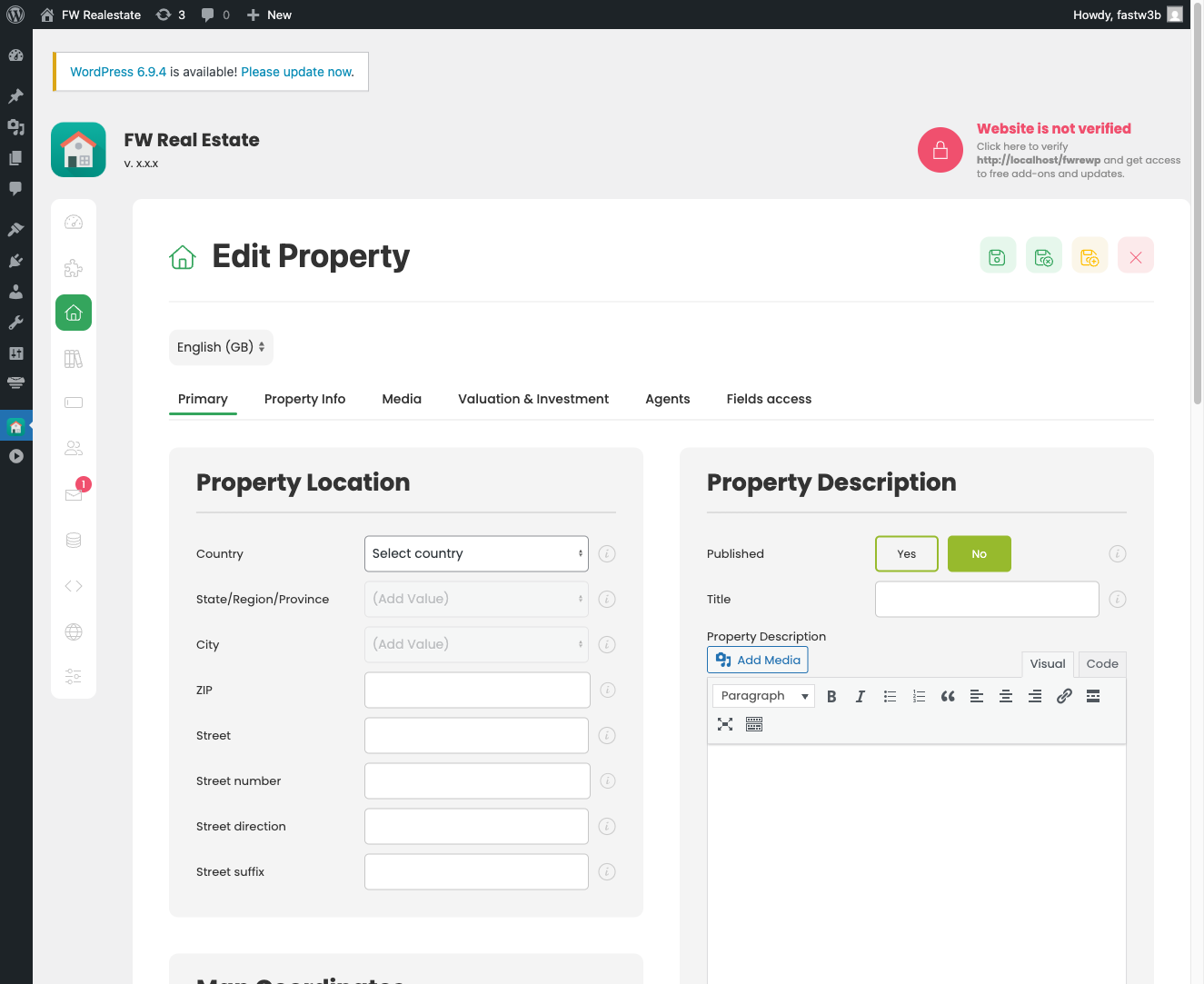
- If the menu item exists but the page is still empty, verify that at least one property is published and has a title, status, and type set — properties missing these required fields will not appear on the frontend even when published.
Single Property Page Does Not Load
If clicking a property leads to a 404 or blank page, the Single Property menu item is likely missing or misconfigured:
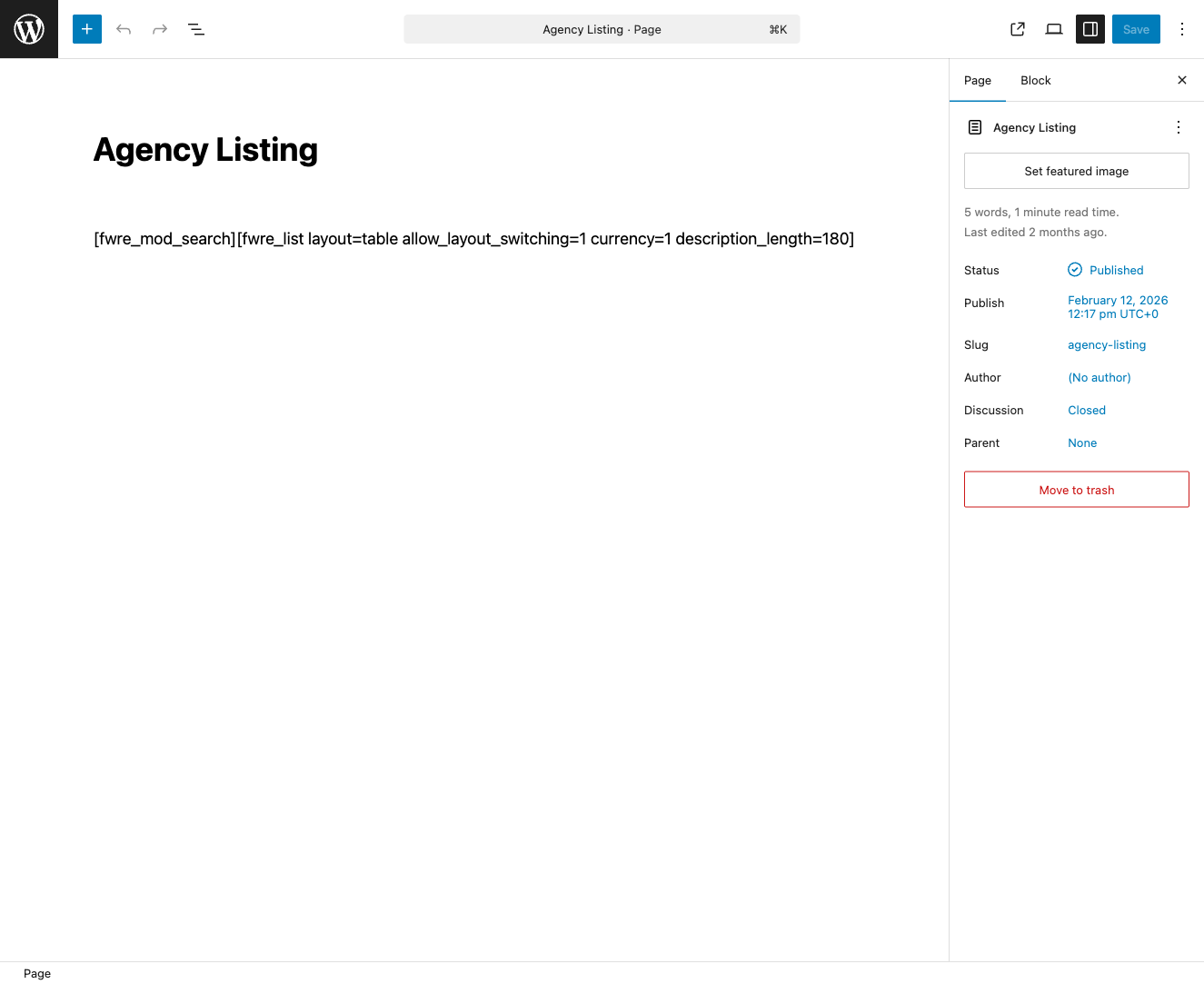
- In Menus, confirm a menu item exists with the type Single Property. This item does not need to be visible in navigation, but it must exist for Joomla to generate individual property URLs correctly.
A Plugin Feature Is Not Appearing
If a feature you expect — such as a map, contact form, favorites button, or agent display — is not showing on the frontend:
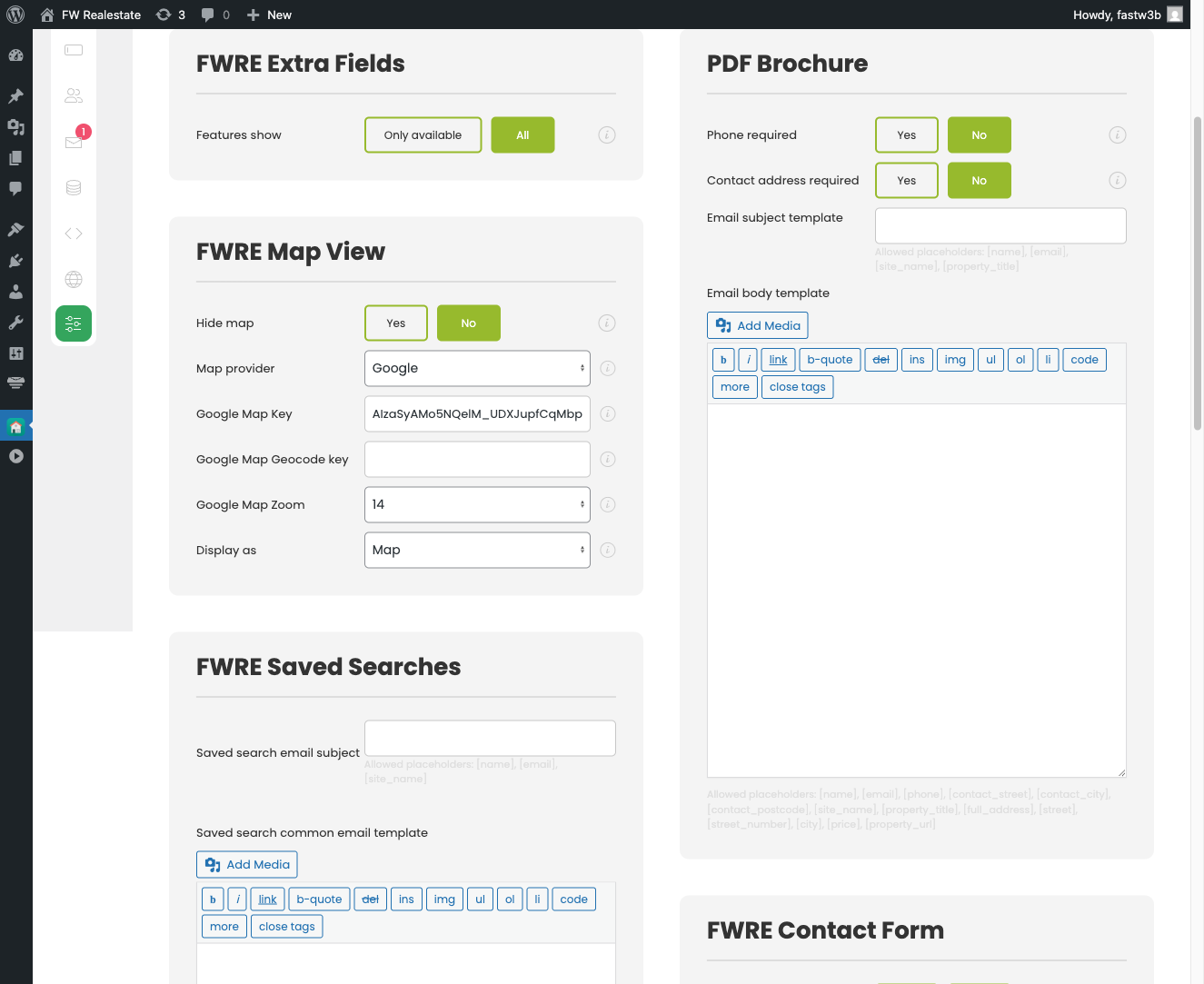
- Go to FW Real Estate → Settings and open the Addons tab. If the relevant plugin's settings card is not present there, the plugin is either not installed or not enabled.
- Check Extensions → Plugins in Joomla and search for the plugin by name. Make sure it is published (enabled).
Email Notifications Are Not Arriving
Joomla does not send email through SMTP by default, which means notification emails — such as new inquiry alerts sent to the address in FW Real Estate → Settings → Admin email — may be silently dropped by your server or rejected by recipient mail servers.
- Install and configure an SMTP plugin for Joomla to route outgoing mail through a reliable mail service. Once configured, use that plugin's test-send feature to confirm delivery before testing FW Real Estate notifications.
Frontend Broken After an Update
If a component or plugin update causes the frontend to display incorrectly or stop working entirely:
- Restore your site from the backup you took before applying the update. Always back up both files and the database before updating any extension.
- Once restored and stable, contact Fastw3b support and describe the exact symptoms before attempting the update again.
Properties Missing from Frontend Despite Being Published
A published property will not appear on the frontend if any of its required fields are incomplete. Open the property in the admin, and confirm that Title, Status, and Type are all filled in. These fields must be populated for the property to display.