 FW Real Estate – Documentation
Installation
FW Real Estate tutorial for Joomla!
Installing FW Real Estate in Joomla takes just a few steps using the built-in Extension Manager.
Step-by-Step Installation
- Download the latest FW Real Estate package from the product page on fastw3b.com
- Log in to your Joomla administrator panel
- Go to System > Install > Extensions
- Click the Upload Package File tab
- Drag and drop the ZIP file or click Browse for file to select it
- Wait for the installation to complete — you'll see a success message
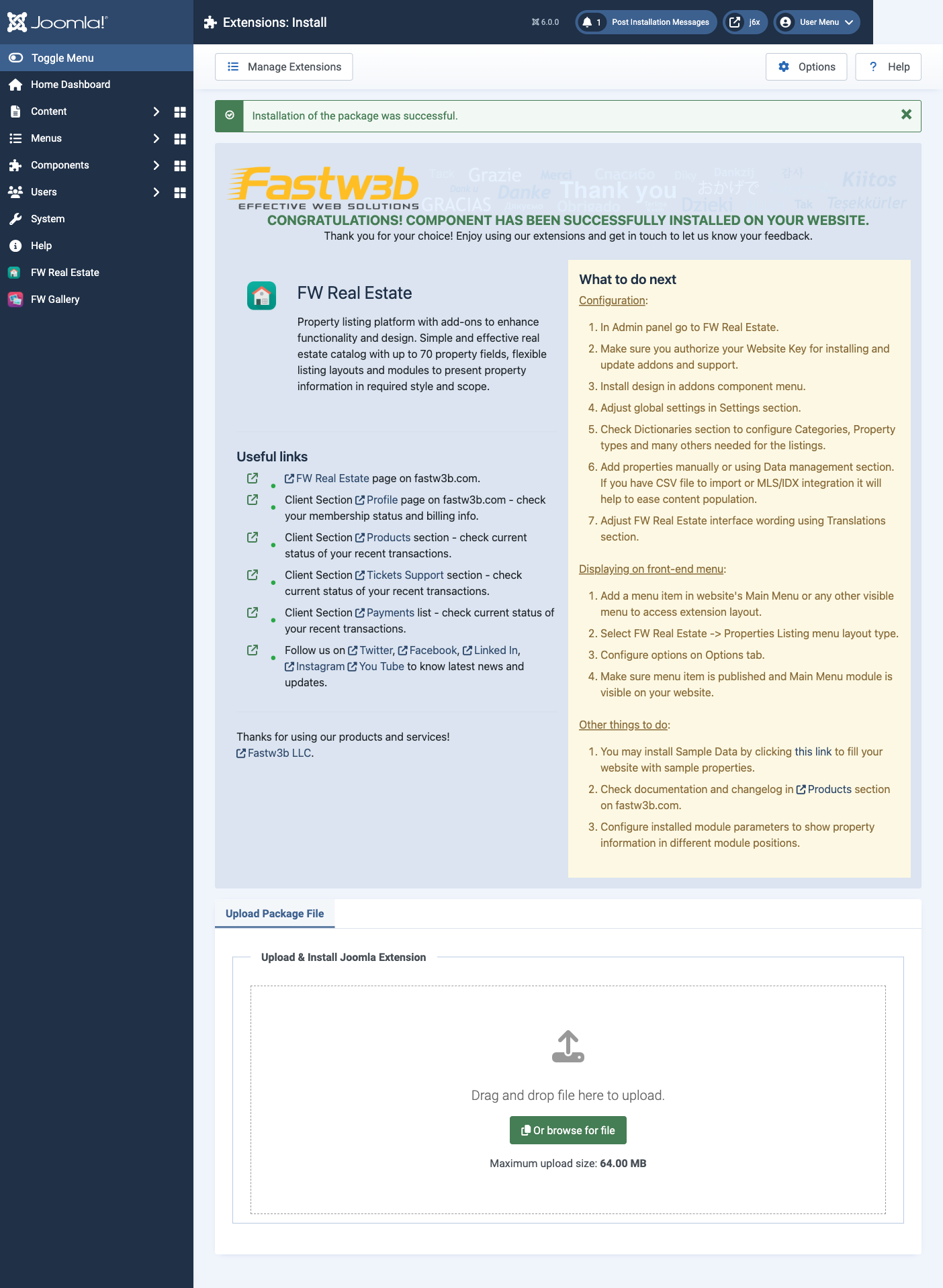
After installation, go to Components > FW Real Estate to start configuring your extension.
Verify Installation
To confirm FW Real Estate installed correctly:
- Go to System > Manage > Extensions
- Search for "FW Real Estate"
- You should see the component and any included plugins listed with a green checkmark
Was this article helpful?

