Search
-
-
 Serve your menu, take online orders, and build a loyal customer list from a restaurant website you fully own.
FW Food Menu
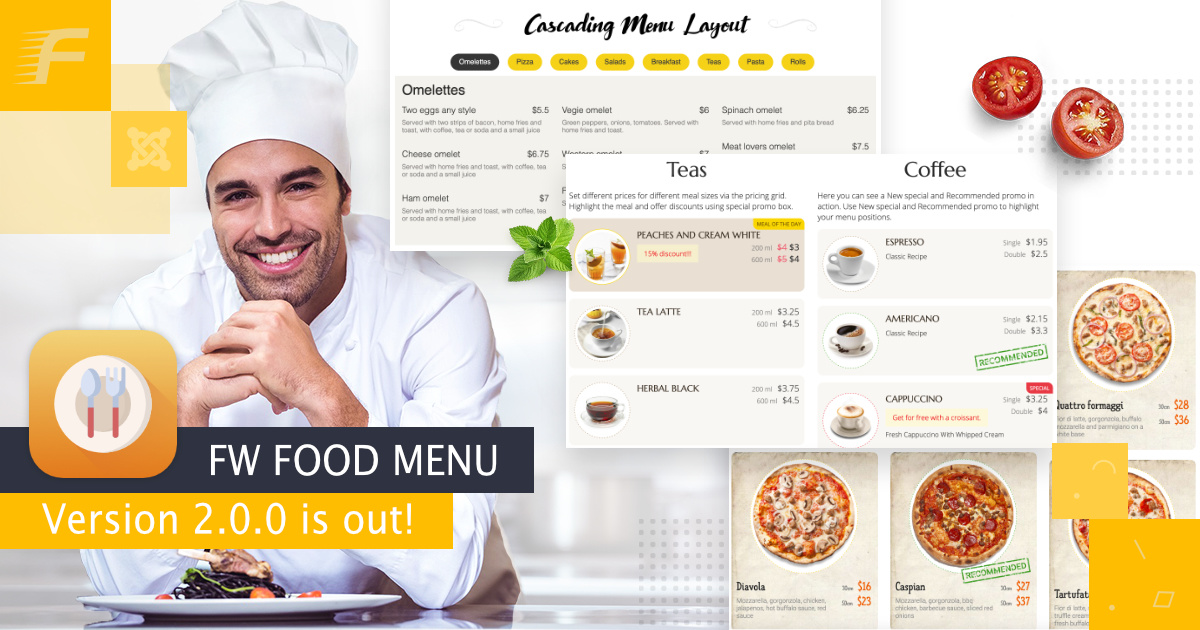
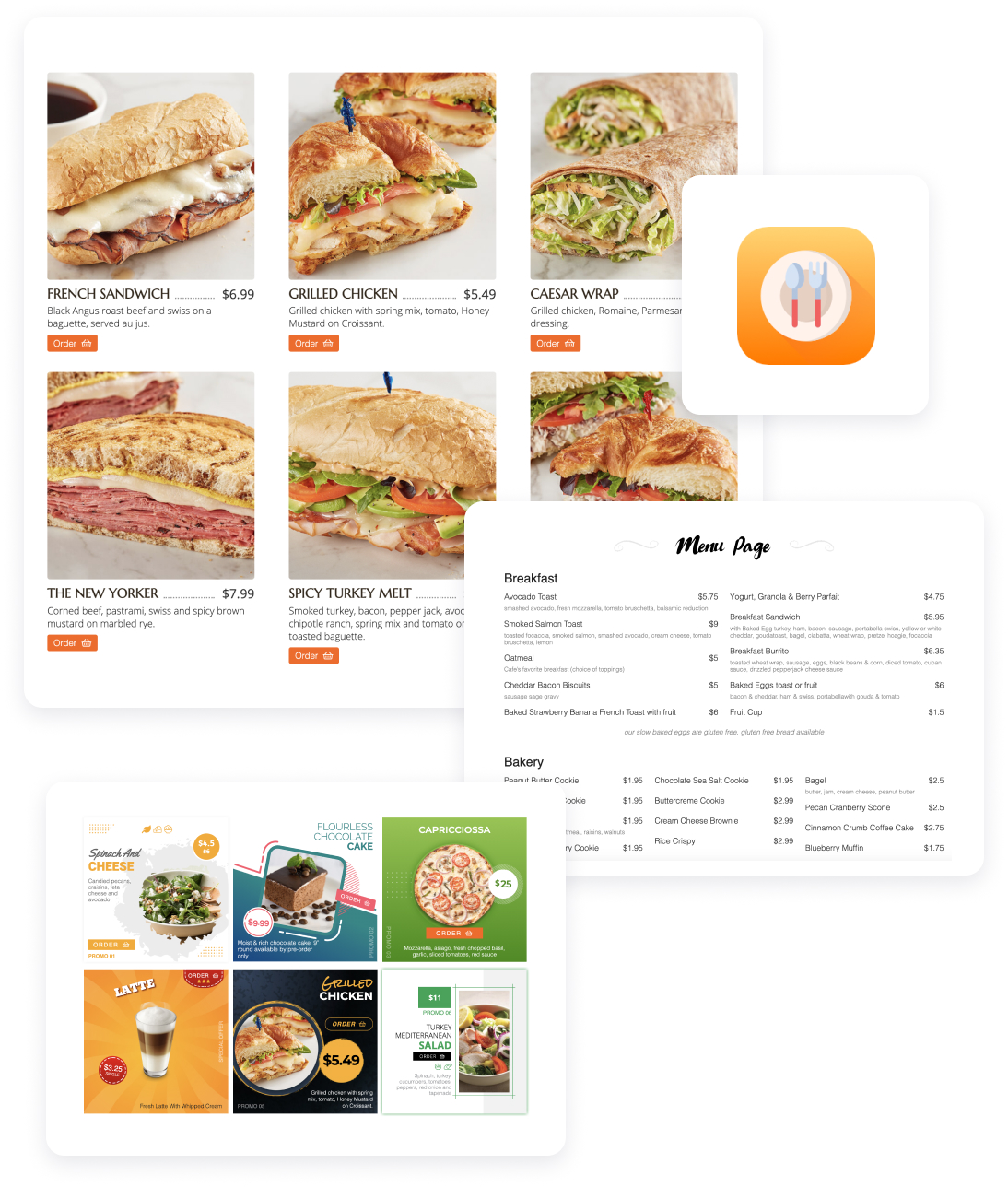
17 Add-ons 14 ServicesOnline menu and ordering platform for independent restaurants. Replace your TripAdvisor menu with a real website on your own domain. Full addon library covering photos, multi-language menus, online ordering, delivery zones, QR table service, and AI-enhanced food photography.All FeaturesResponsive Online MenuCategories & sub-categoriesMeal HTML descriptionIndividual category settingsCurrency settingsLayout options -
-
Overview
This section covers Overview for FW Food Menu.
What is FW Food Menu?
FW Food Menu is a Joomla extension for building restaurant and food service websites. It provides everything you need to create and manage digital menus, dish listings, and category-based food catalogs. Who Is It For? Restaurants & cafes — publish digital menus with prices and descriptions Food delivery services — manage item catalogs and ...
Installation
Installing FW Food Menu in Joomla takes just a few steps using the built-in Extension Manager. Step-by-Step Installation Download the latest FW Food Menu package from the product page on fastw3b.com Log in to your Joomla administrator panel Go to System > Install > Extensions Click the Upload Package File tab Drag and drop the ZI...
Joomla Installation
Installing FW Food Menu in Joomla takes just a few steps using the built-in Extension Manager. Step-by-Step Installation Download the latest FW Food Menu package from the product page on fastw3b.com Log in to your Joomla administrator panel Go to System > Install > Extensions Click the Upload Package File tab Drag and drop the ZI...
Design Templates
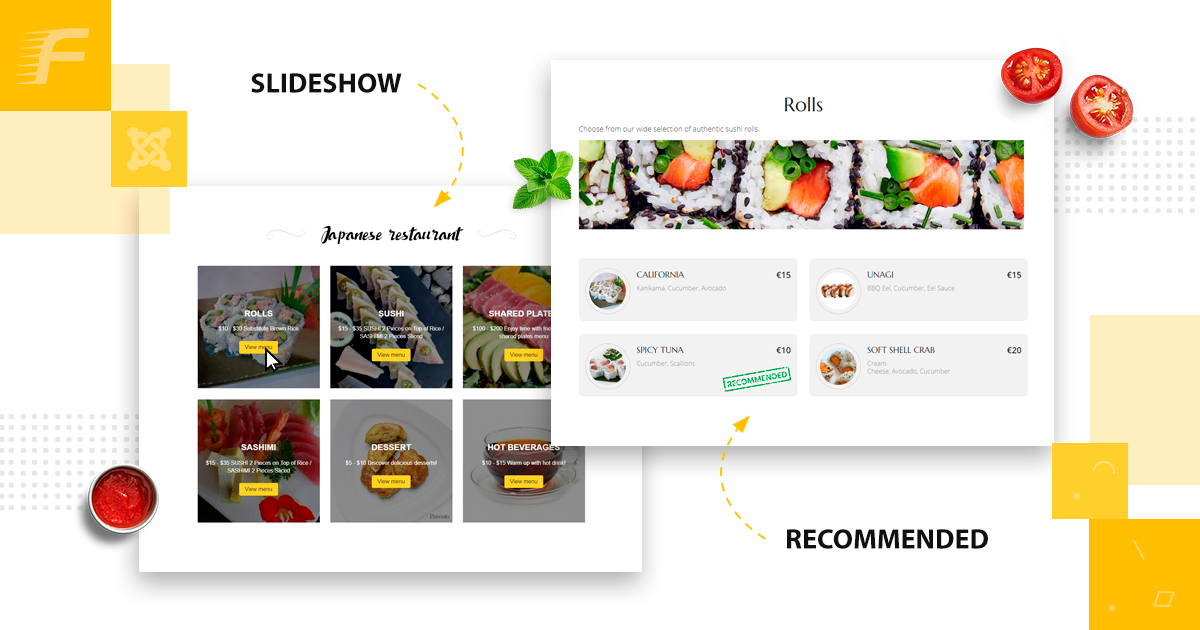
...gn templates change the visual appearance of your FW Food Menu frontend. Install a design template to give your site a fresh look without modifying code. FWFM Text Menu FWFM Online Order Menu Design View all addons and pricing
Is FW Food Menu a free plugin?
Yes, FW Food Menu is a free plugin with a comprehensive set of features suitable for most food websites.
Creating Your First Menu
... as "Starters", "Main Course", or "Drinks". Go to FW Food Menu → Categories and click New. Fill in the required fields: Title — the category name displayed on the frontend. Alias — the URL slug, auto-generated from the title. You can leave this blank. Parent — leave as the root to create a top-level category, or select an existing category t...
Available Plugins
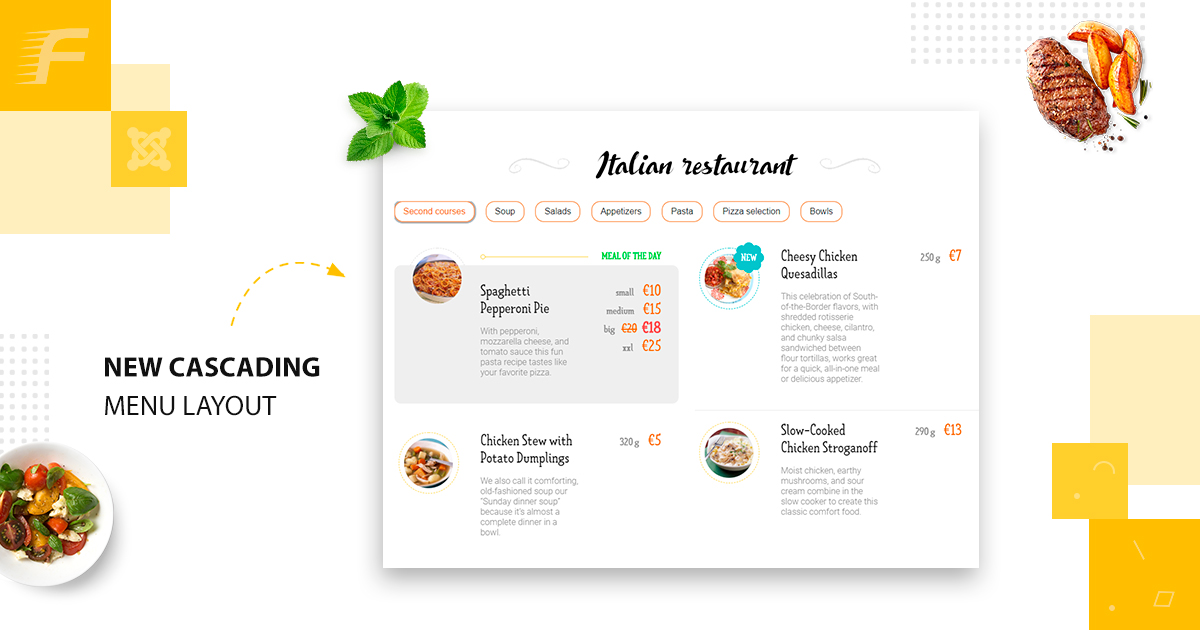
Plugins extend the core functionality of FW Food Menu. Each plugin adds a specific feature that integrates seamlessly with the main component. FWFM Table Orders FWFM Columns FWFM Tab Categories FWFM Prices & Modifiers FWFM Order Online FWFM Multilingual FWFM Text Notifications FWFM Delivery FWFM Images FWFM Badge...
Common Issues
... Item published status — Open the item in the FW Food Menu backend and confirm it is set to Published. Category assignment — Make sure the item is assigned to a published category. If the category itself is unpublished, all items within it will be hidden on the front end. Cart Not Working If the cart does not respond or fails to add items, the mos...
 QR Table Ordering Setup