Hotel Room Service Menu Setup
 This service is related to FW Food Menu only.
- Per-room QR codes for in-room dining
- Multi-language menu for international guests
- Time-based breakfast to late-night categories
- Hotel-specific kitchen and front desk workflow
- One training call for staff walkthrough
What is included
Multi-language menu setup in up to 3 languages (typically local language plus English and one other). Every dish name and description translated and stored.
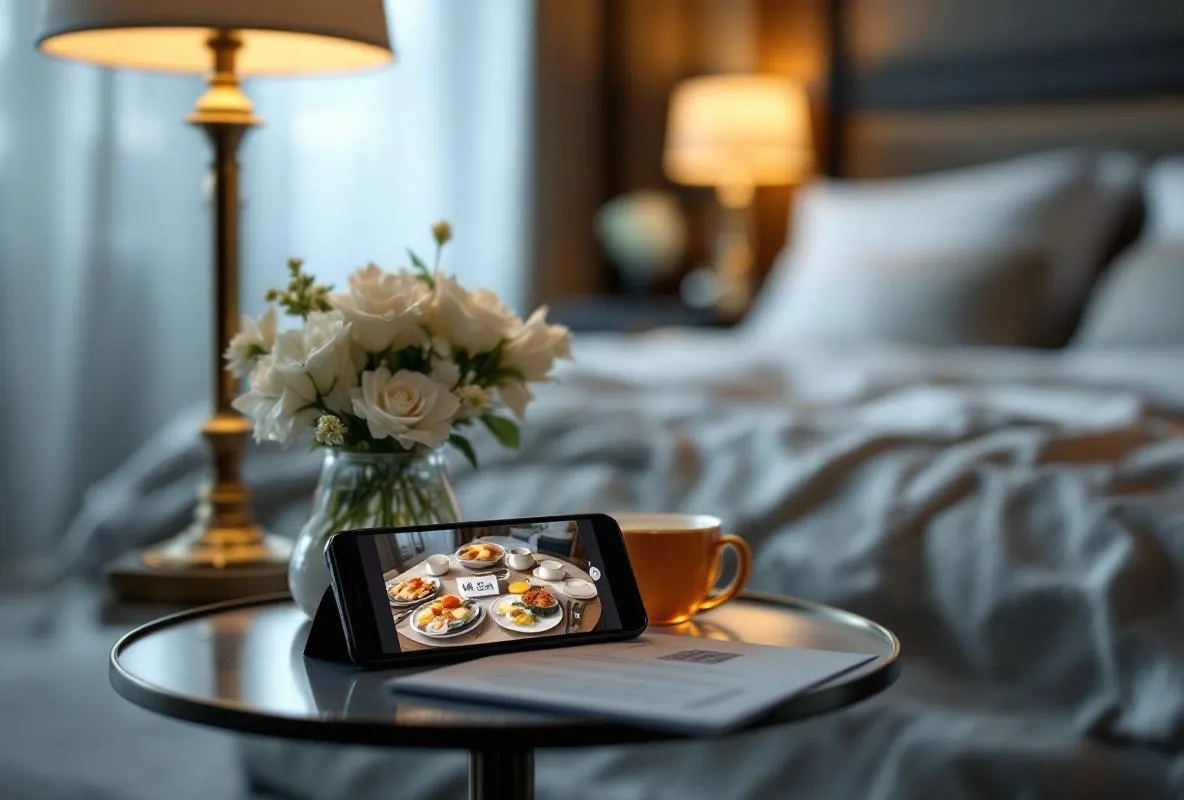
Per-room QR codes generated for every room in your hotel. Each room becomes its own ordering session with hash-token isolation between rooms.
Time-based category availability using the Time & Hours addon. Breakfast shows 6-11am, lunch 12-3pm, dinner 6-10pm, late-night after 10pm. Items disappear or grey out outside their window.
Hotel category structure with your choice of breakfast, lunch, dinner, snacks, beverages, alcoholic beverages, and amenities (toiletries, laundry, turn-down service if applicable).
Hotel-specific workflow with room number prominently displayed on incoming orders, charge-to-room vs pay-online options, and configurable order status for front desk visibility.
One 60-minute training call with front desk and kitchen staff walking through order receipt, status updates, and billing integration if used.
How it works
Share hotel details
Send us your room count, language preferences, current menu in any format, and preferred category structure. Give us your FW Food Menu admin credentials.
Multi-language configuration
We install the Multilingual addon, set up your target languages, and translate your menu. You review translations before publishing.
Room QR generation
We configure Table Orders with one QR code per room and generate the full kit as a PDF for printing. Time-based availability rules applied per category.
Training and handover
One hour with front desk and kitchen staff covering order flow, status updates, and common scenarios. You go live when ready.
Before you start
FW Food Menu installed on a Joomla website. If you do not have one yet, start with Restaurant Website Quickstart.
Joomla admin credentials for installing and configuring addons.
Room list with room numbers and any special categorisation (executive floor, honeymoon suite, family rooms) if relevant.
Current menu in any format: paper, PDF, photo, existing listing link. We convert it during setup.
Frequently Asked Questions
-
How many rooms are supported?
No hard limit. The service is sized for small hotels and B&Bs (10-60 rooms) but works for larger properties too. For chains with 200+ rooms, contact us to discuss custom scoping and additional training sessions.
-
Does it support multiple languages?
Yes. Up to 3 languages are included (typically your local language plus English and one tourist language). Additional languages can be added later as a small follow-up service or through your own translation workflow using the Multilingual addon admin panel.
-
Do guests need to install an app?
No. Guests scan the in-room QR code with any phone camera and the menu opens in their browser. No app download, no account creation. Works across iPhone and Android natively.
-
How does billing work? Can guests charge to their room?
Two modes are supported out of the box: pay online at order time (via Stripe or PayPal) or mark the order for pay-at-checkout (your front desk adds it to the room bill manually). Automatic integration with hotel PMS systems (Oracle Opera, Mews, Cloudbeds) is a custom development engagement available separately.
-
What happens when a guest checks out and a new guest arrives?
Each room QR code points to the same room identifier regardless of which guest is staying. The new guest scans the same code and starts a fresh ordering session. You do not need to regenerate codes or reset the room between stays. Room codes are typically printed once and lasted for years.
-
Can kitchen see orders by room clearly?
Yes. Every order is tagged with the room number prominently in the admin view. Kitchen staff filter orders by room, status, or order time. Configurable status workflow lets you mark orders as received, preparing, ready, and delivered.
-
How long does the setup take and what happens after I order?
The full setup takes about 5 business days. Within 24 hours of your order we confirm your room count, language preferences, and menu source. We install Multilingual, Table Orders, and Time & Hours addons, translate your menu into your chosen languages, generate per-room QR codes, and schedule a 60-minute training call with your front desk and kitchen staff.