QR Table Ordering Setup
 This service is related to FW Food Menu only.
- Contactless ordering from any phone, no app required
- Unique QR code per table with print-ready kit
- Group dining support for parties sharing a cart
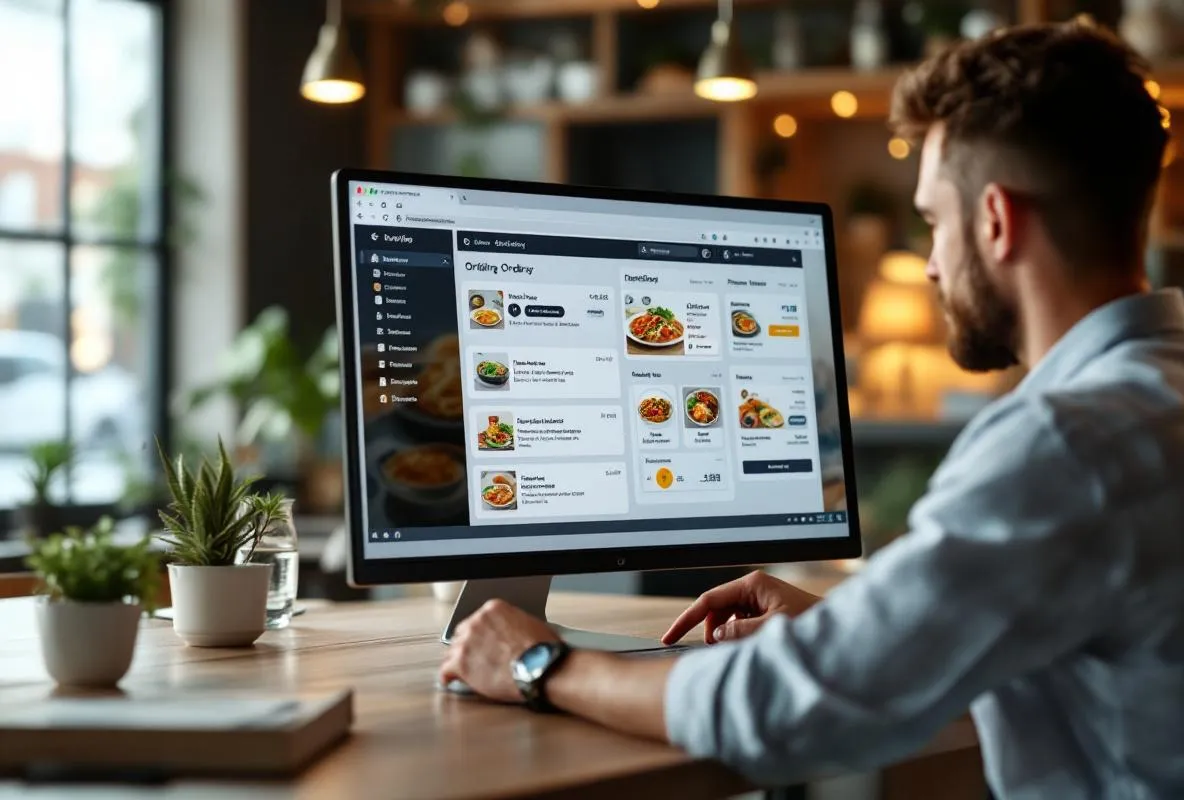
- Kitchen sees live orders by table number
- One training call to walk your staff through the flow
What is included
Table Orders addon configuration on your existing FW Food Menu installation. We set up the addon, create table records, and configure the Dine In delivery option.
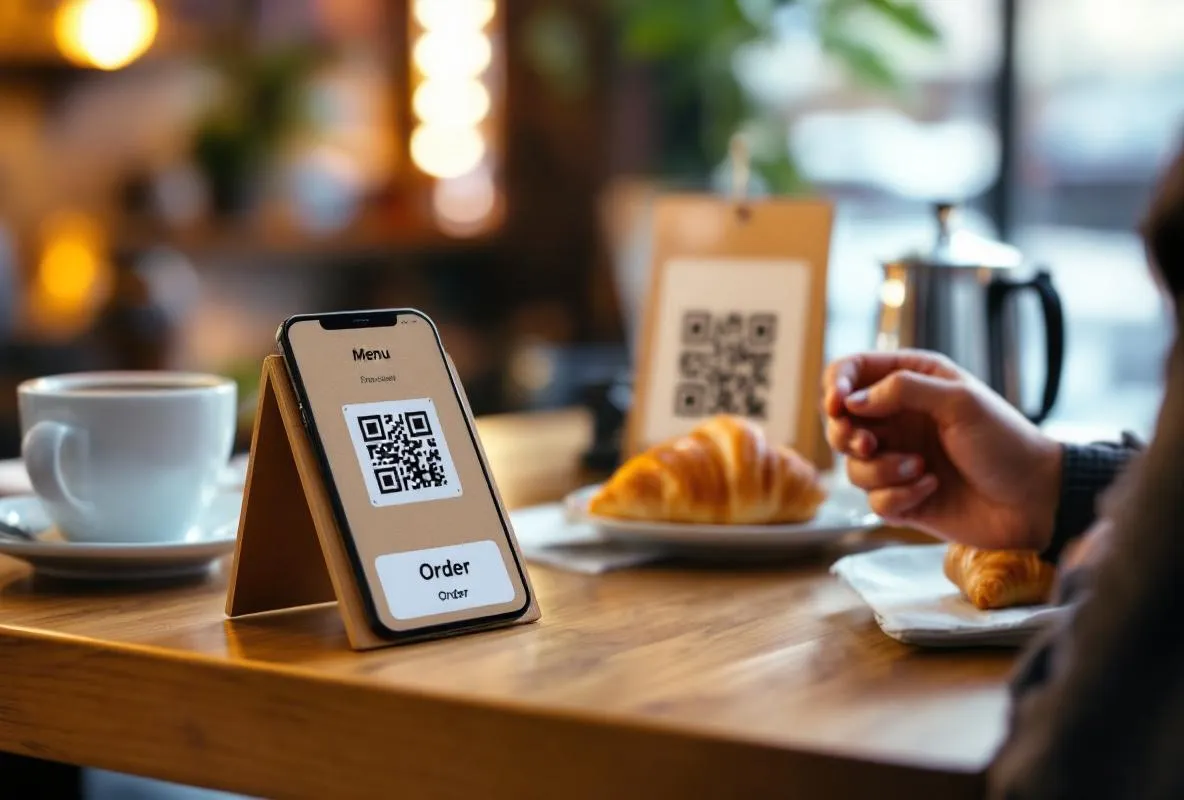
Unique QR codes per table generated in SVG format. Each table gets its own code tied to a hash token so orders never cross over between tables.
Print-ready QR code kit delivered as a PDF. Hand it to your local print shop or print in-house on sticker paper or laminated cards.
Group dining mode configured so multiple guests at the same table can share a cart and the kitchen receives one consolidated order per party.
Menu layout optimisation for mobile ordering using the Online Order Menu Design template. Large touch targets, sticky cart, modal checkout.
One 30-minute training call with your manager to walk through the table order admin flow, live cart view, and order status updates.
How it works
Tell us your tables
Share your table count, table names or numbers, and whether you want per-seat or per-table QR codes. Send us your current FW Food Menu admin credentials.
We configure everything
We install and configure the Table Orders addon, create table records, set up the Dine In delivery option, and generate QR codes for every table.
Print-ready kit delivery
You receive a PDF kit with every QR code sized for printing on stickers, table tents, or laminated cards. Hand it to a print shop or print in-house.
Training and go-live
We run a 30-minute call with your manager to walk through the ordering flow, live cart view, and day-to-day operations. Your first live order confirms everything works.
Before you start
FW Food Menu installed with your current menu items populated. If your menu is not online yet, start with Menu Digitization first.
Joomla admin credentials. We need access to install and configure the Table Orders addon.
Table list or seat count. Number of tables, whether you want per-seat codes, and your preferred naming convention (T1/T2/T3 or Table 1/Table 2/etc.).
Frequently Asked Questions
-
Do my customers need a special app?
No. Customers scan the QR code with their phone camera (any modern phone does this natively) and the menu opens in their default browser. No app download, no account creation, no friction.
-
Do I need a POS system?
No. Table Orders is a standalone ordering system built into FW Food Menu. Orders land in your admin panel where staff see them live by table. No POS integration required.
-
How does payment work?
Two modes are supported: pay at the table (customer hands cash or card to staff at the end of the meal) or pay online during ordering (via Stripe or PayPal if Online Ordering Setup is also configured). Pay-at-the-table is the default for QR table service.
-
What about group dining? Can everyone at the table order separately?
Yes. Group dining mode lets every guest scan the same QR code and add their items to a shared cart. The kitchen receives one consolidated order for the whole party when ready, or per-guest orders if you prefer that flow.
-
How many tables can I have?
No hard limit. Cafés with 5 tables and casual-service restaurants with 50+ tables both work. Each table gets its own QR code and hash token. For very large venues (hotels with 100+ rooms), see Hotel Room Service Menu Setup which is optimised for that scale.
-
How long does the setup take and what happens after I order?
The full setup takes about 3 business days. Within 24 hours of your order we confirm your table count and naming preferences, then configure the Table Orders addon, generate the QR code PDF kit, and schedule a 30-minute training call with your manager. You get everything you need to go live by day 3.