FWFM Images
Subscription
Starter
Professional
Agency
Functional
Joomla
WordPress
Replace flat TripAdvisor menu photos with a rich image gallery for every dish. Upload multiple photos per meal and let visitors browse them right from the menu.


All Features
What You Get

Automatic Hover Carousel
Category images rotate automatically on mouse-over using the Owl Carousel library. Visitors see multiple angles without clicking anything.

Unlimited Photos Per Meal
Upload one hero image or a full gallery for every dish. No fixed limit. Build rich photo stories for your signature meals while keeping simpler items with a single shot.

Five Image Positions
Place meal images left, right, top, bottom, or hidden per meal or per category. Override the default on any individual item for a custom layout.

Drag-and-Drop Bulk Upload
AJAX multi-file upload directly from the meal edit screen. Drop a batch of photos and they all save in one pass with no page reload.

Reorder and Replace Easily
Drag to reorder gallery images, delete individual photos, or replace them. Supports JPG, PNG, and GIF formats at any dimension.
Questions
Frequently Asked Questions
-
Is this add-on included in my subscription?
Yes. FWFM Images is included in the Starter, Professional, and Agency tiers of the FW Food Menu subscription. You get the add-on plus updates and support as long as your subscription stays active.
-
Is FWFM Images included in my Food Menu subscription?
Yes. FWFM Images ships with every paid FW Food Menu package. Subscribers get the plugin, future updates, and support included.
-
Can I upload multiple images for one meal?
Yes. Each meal supports an unlimited image gallery. You can upload a hero photo plus additional angles, close-ups, or ingredient shots.
-
Does the addon resize my photos automatically?
The plugin stores the original image and tracks size metadata. For best performance we recommend uploading images sized appropriately for your menu layout (typically 800-1200px wide).
-
Can I get professional photos for my menu?
Yes. We offer food photography services through local photographers in many cities, plus AI photo enhancement that turns phone snapshots into clean menu images. Contact us through the ticket system for details.
-
What image formats are supported?
The plugin supports JPG, JPEG, PNG, and GIF. There is no strict file size limit, but we recommend optimizing images for web before upload.
Ecosystem
Works Great With
 Starter+
Handle every pricing scenario restaurants actually need: portion sizes, add-ons, extras, and discounts. Each meal can carry unlimited price variants and modifier groups.
 Professional+
Add visual labels to menu items like NEW, SPICY, VEGAN, GLUTEN-FREE, or CHEF'S CHOICE. Customizable colors and icons make your specials jump off the page.
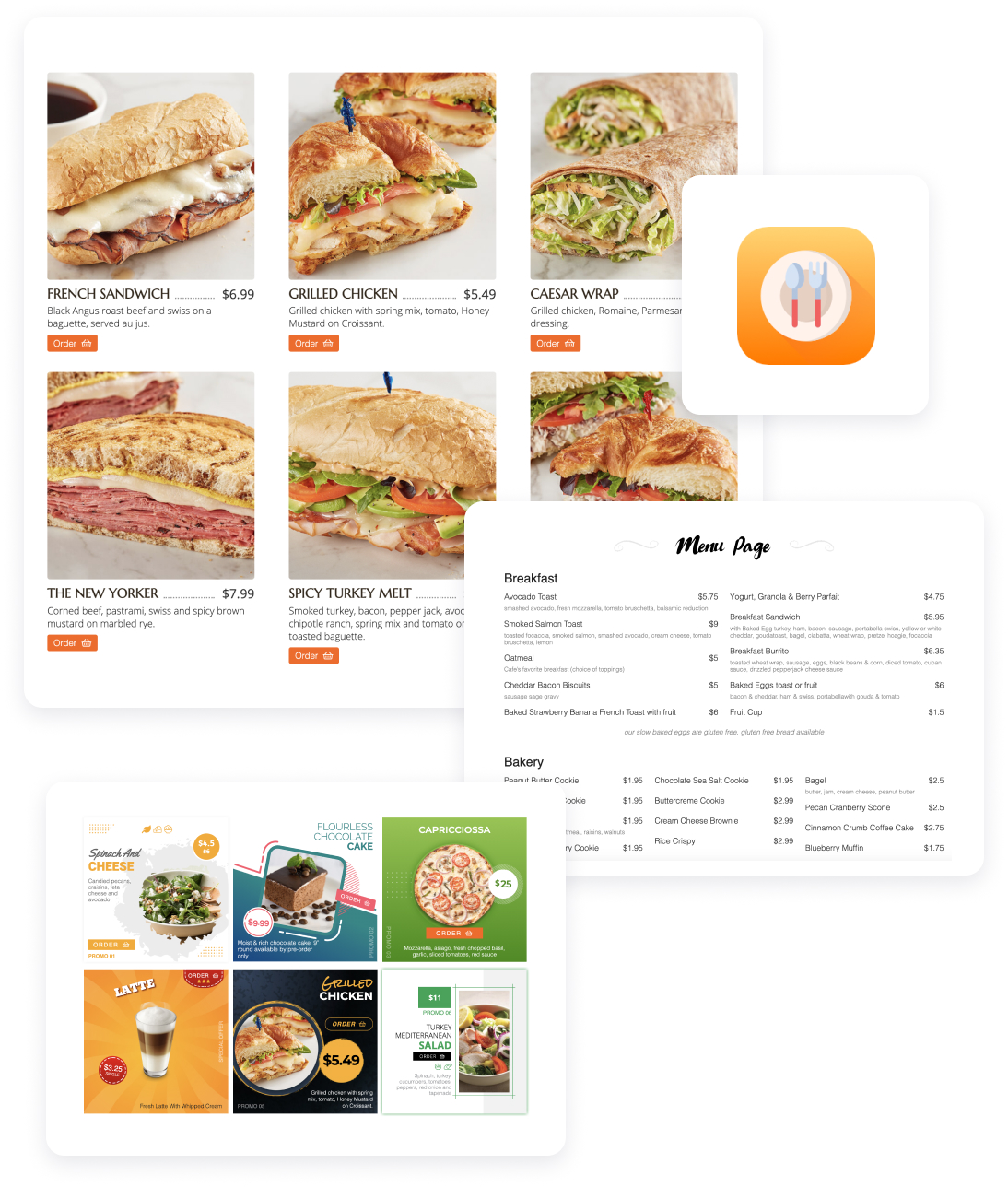
Serve your menu, take online orders, and build a loyal customer list from a restaurant website you fully own.
FW Food Menu
17 Add-ons
14 Services
Online menu and ordering platform for independent restaurants. Replace your TripAdvisor menu with a real website on your own domain. Full addon library covering photos, multi-language menus, online ordering, delivery zones, QR table service, and AI-enhanced food photography.
Responsive Online Menu
Categories & sub-categories
Meal HTML description
Individual category settings
Currency settings
Layout options

