FWFM Badges
Subscription
Professional
Agency
Functional
Joomla
WordPress
Add visual labels to menu items like NEW, SPICY, VEGAN, GLUTEN-FREE, or CHEF'S CHOICE. Customizable colors and icons make your specials jump off the page.


All Features
What You Get

Unlimited Custom Badges
Create any number of badges with custom names, colors, and image icons. SVG, PNG, and JPG image formats supported for the icon.

Batch Assignment
Apply one badge across multiple meals in a single action with the batch tool. No need to open each meal to tag it individually.

Three Display Modes
Choose between short abbreviation in parentheses, full colored label, or tooltip-only display. Match the badge style to your menu density.

Badge-Based Filtering
Customers filter the menu by badge from the frontend. See only spicy dishes, only vegan options, or only chef's choice items.
Questions
Frequently Asked Questions
-
Is this add-on included in my subscription?
Yes. FWFM Badges is included in the Professional and Agency tiers of the FW Food Menu subscription. You get the add-on plus updates and support as long as your subscription stays active.
-
Is FWFM Badges included in my subscription?
Yes. This addon ships with every paid FW Food Menu package.
-
Can I use my own badge icons?
Yes. Upload SVG, PNG, or JPG image files for each badge. The plugin stores and serves them with automatic cleanup when a badge is deleted.
-
Can customers filter the menu by badge?
Yes. The frontend search and filter system includes badge filters so customers can see only vegan, only spicy, or only chef's choice items.
-
How many badges can I create?
Unlimited. Create as many as your menu needs. Typical restaurants use 5-10 badges (NEW, POPULAR, SPICY, VEGAN, GLUTEN-FREE, CHEF'S CHOICE, HOUSE SPECIAL).
Ecosystem
Works Great With
 Starter+
Replace flat TripAdvisor menu photos with a rich image gallery for every dish. Upload multiple photos per meal and let visitors browse them right from the menu.
 Starter+
Handle every pricing scenario restaurants actually need: portion sizes, add-ons, extras, and discounts. Each meal can carry unlimited price variants and modifier groups.
 Professional+
Google-ready structured data, Open Graph tags, and automatic meta descriptions for every menu page. Helps your restaurant rank for local food searches and look sharp when shared on social.
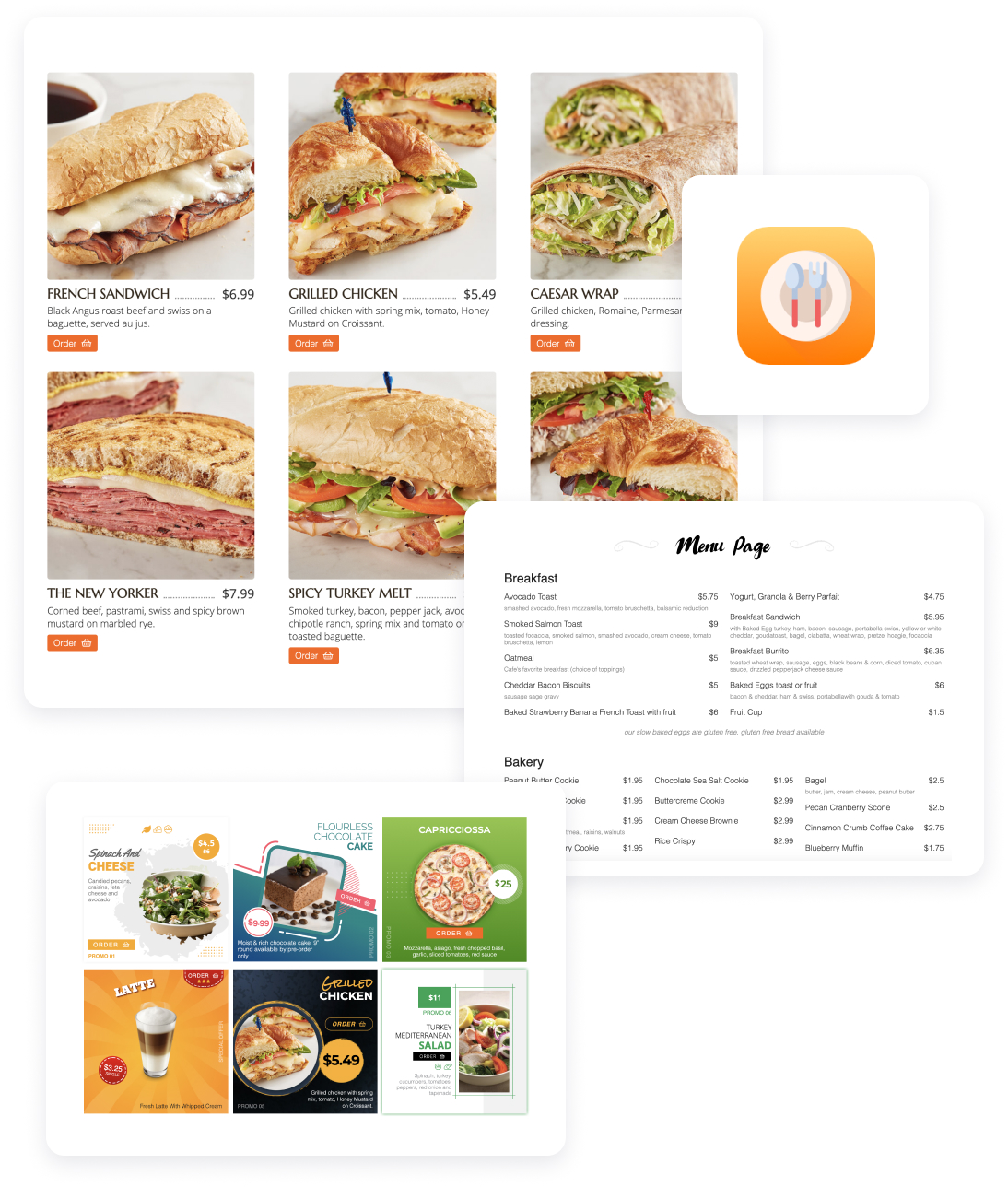
Serve your menu, take online orders, and build a loyal customer list from a restaurant website you fully own.
FW Food Menu
17 Add-ons
14 Services
Online menu and ordering platform for independent restaurants. Replace your TripAdvisor menu with a real website on your own domain. Full addon library covering photos, multi-language menus, online ordering, delivery zones, QR table service, and AI-enhanced food photography.
Responsive Online Menu
Categories & sub-categories
Meal HTML description
Individual category settings
Currency settings
Layout options

