FWG Slideshow Layout
Subscription
Professional
Agency
Functional
Joomla
WordPress
Transform any gallery into a full-screen slideshow with thumbnails, auto-play, keyboard navigation, and touch swipe support. Perfect for immersive portfolio presentations.


All Features
What You Get

AJAX Lazy Loading
Slides load on-demand via AJAX, so 500-image galleries run without memory issues. Customize max slides, effects, and ordering per gallery.

Five Thumbnail Positions
Position the thumbnail strip at the bottom, top, left, right, or hide it entirely for a pure image view. Each layout fits different brand styles.

Full-Screen Presentation
Full-screen slideshow with centered main image and thumbnail strip. Visitors see your work large and uncluttered, the way it was meant to be shown.

Fit or Fill Scaling
Choose between fit mode (letterbox, shows the full image) and fill mode (crop, fills the frame). Photographers often prefer fit to respect composition, agencies often prefer fill.
Auto-Play Control
Auto-Play Control
Auto-start on load with a configurable pause interval between slides. Visitors see a rotating showcase without clicking. Pause and resume via space bar.

Keyboard and Touch Navigation
Arrow keys, space bar pause, escape to exit, plus touch swipe on mobile. Works naturally on every device without extra setup.
Questions
Frequently Asked Questions
-
Is this add-on included in my subscription?
Yes. FWG Slideshow Layout is included in the Professional and Agency tiers of the FW Gallery subscription. You get the add-on plus updates and support as long as your subscription stays active.
-
Is Slideshow Layout included in my FW Gallery subscription?
Yes. This addon is part of every paid FW Gallery package.
-
Can I position the thumbnails on the side?
Yes. The thumbnail strip can sit at the bottom, top, left, right, or hide entirely. Each position has its own CSS layout optimized for the aspect ratio.
-
Does it work on mobile?
Yes. Touch swipe navigation is built in, thumbnails scale responsively, and keyboard shortcuts still work when a physical keyboard is attached.
-
Can I enable auto-play?
Yes. Set the pause interval in milliseconds and toggle auto-start on load. Visitors can pause with the space bar and resume with another press.
-
What effects are supported?
Fade and slide transitions are built in. The plugin reads the effect parameter from the slideshow config and applies it per slide.
-
How does it handle large galleries?
AJAX lazy-loading streams slides on-demand, so the first load is fast even for galleries with hundreds of files. You can also cap the total slide count per slideshow.
Ecosystem
Works Great With
 Free
Free
A refined, minimal design template with sophisticated typography and understated details. Built for high-end photographers, luxury brands, and design studios.
 Free
Free
A clean, structured grid layout for portfolios that want clarity over flourish. Multiple grid engines, configurable columns, and subtle hover animations.
 Free
Free
A dramatic, cinematic design template with dark overlays, sliding info panels, and animated reveals. For creative agencies and bold design-forward portfolios.
 Free
Free
A masonry-style design template inspired by Pinterest. Variable column spans and adaptive row heights create an organic, brick-like layout that adapts to any image proportion.
 Free
Free
A playful, nostalgic template that mimics instant film photography. Randomly rotated frames, soft drop shadows, and hover lifts give portfolios a personal, handmade feel.
 Free
Free
Embed any FW Gallery on any Joomla page, module position, or custom layout. Show a single file with text wrap, a grid of recent work, or a full category anywhere on your site.
 Free
Free
Display subcategories as tabs in a cascading masonry layout. Each tab can use its own design template for a fully customized portfolio browsing experience.
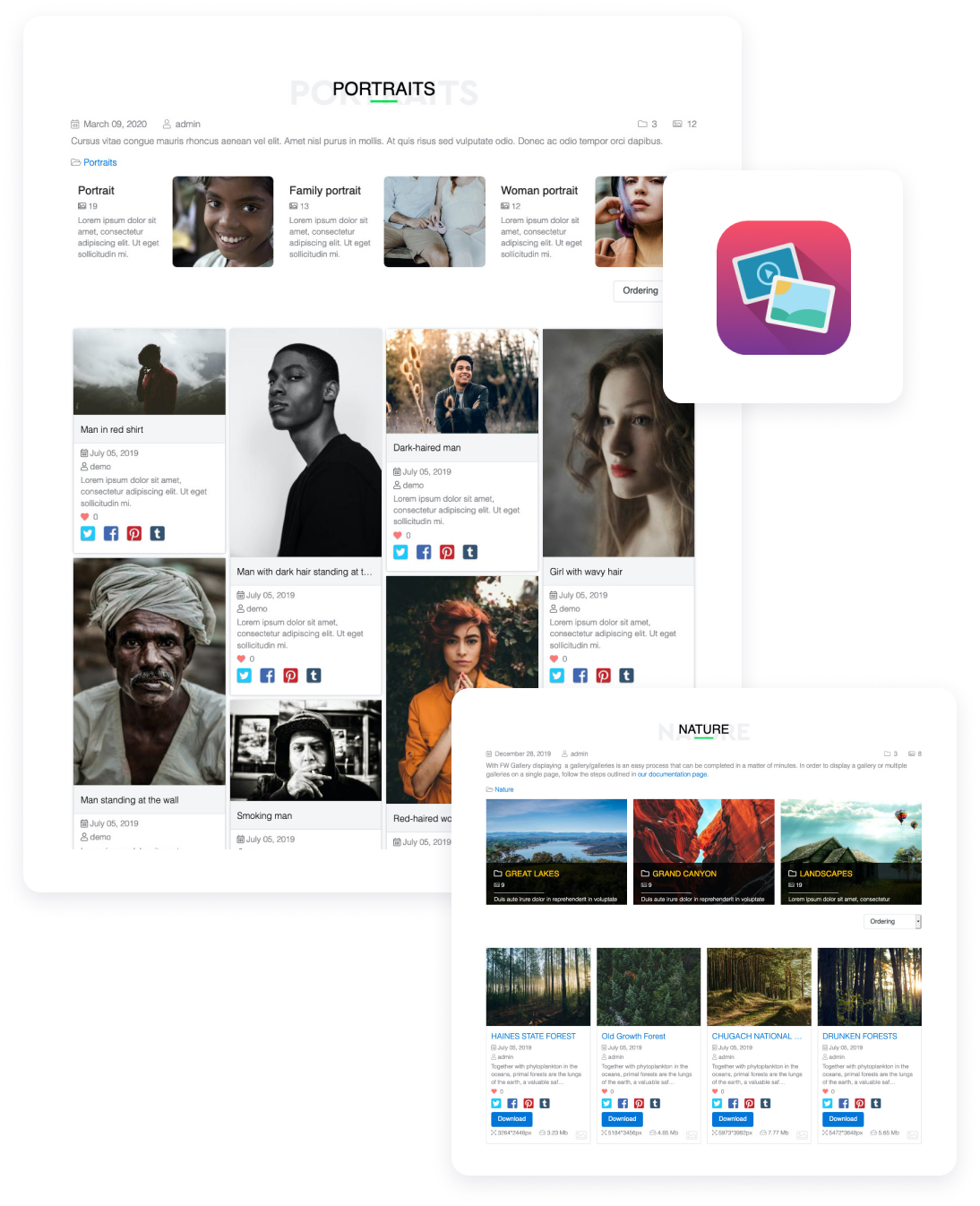
Showcase photos, videos, and audio work in one creative portfolio you design, grow, and fully own.
FW Gallery
22 Add-ons
9 Services
Self-hosted creative portfolio for photographers, videographers, graphic designers, musicians, and mixed-media artists. Complete addon library covering image galleries, video files, audio playback, client proofing, front-end upload, SEO, and design templates. Your domain, your files, unlimited galleries.
Responsive Photo Gallery
Multi-level Galleries Hierarchy
Images Batch Upload
Watermark protection
Images rotate
Social share buttons

