FWFM Ingredients & Allergens
Subscription
Professional
Agency
Functional
Joomla
WordPress
Track ingredients and highlight allergens on menu items. Customers filter the menu to hide items containing gluten, nuts, dairy, or any allergen you define.


All Features
What You Get

Dual-Mode Tracking
Ingredients and allergens share one system with a flag that marks each as a regular ingredient or an allergen. One database, two uses.

Frontend Allergen Filtering
Customers filter the menu by allergen from the frontend to hide items containing gluten, nuts, dairy, or any flagged ingredient. Emits JSON data attributes for custom JavaScript filters too.

Bulk Assignment
Assign ingredients or allergens to multiple meals at once with the batch tool. Also supports batch removal for cleanup after menu changes.

Auto-Create Missing Items
Saving a meal with a new ingredient name auto-creates the ingredient record. No need to pre-populate your ingredient list before adding menu items.

Merge Duplicates Tool
Consolidate duplicate allergens after imports or data migration with the merge tool. Keeps the database clean as your menu grows.
Questions
Frequently Asked Questions
-
Is this add-on included in my subscription?
Yes. FWFM Ingredients & Allergens is included in the Professional and Agency tiers of the FW Food Menu subscription. You get the add-on plus updates and support as long as your subscription stays active.
-
Is FWFM Ingredients & Allergens included in my subscription?
Yes. This addon ships with every paid FW Food Menu package.
-
Can I mark only some ingredients as allergens?
Yes. Every ingredient has an "is allergen" flag. Use it for gluten, nuts, dairy, eggs, and so on, while keeping regular ingredients (tomato, onion, basil) non-flagged.
-
Can customers filter the menu by allergen?
Yes. The frontend includes a search and filter system that lets customers hide items containing specific allergens. Particularly useful for gluten-free or nut-allergic diners.
-
What happens if I type a new ingredient name?
The plugin auto-creates the ingredient record on save. No need to pre-populate your allergen list before adding meals.
-
Can I merge duplicate allergens?
Yes. The allergen merge tool in the admin panel consolidates duplicates created by imports or data entry mistakes.
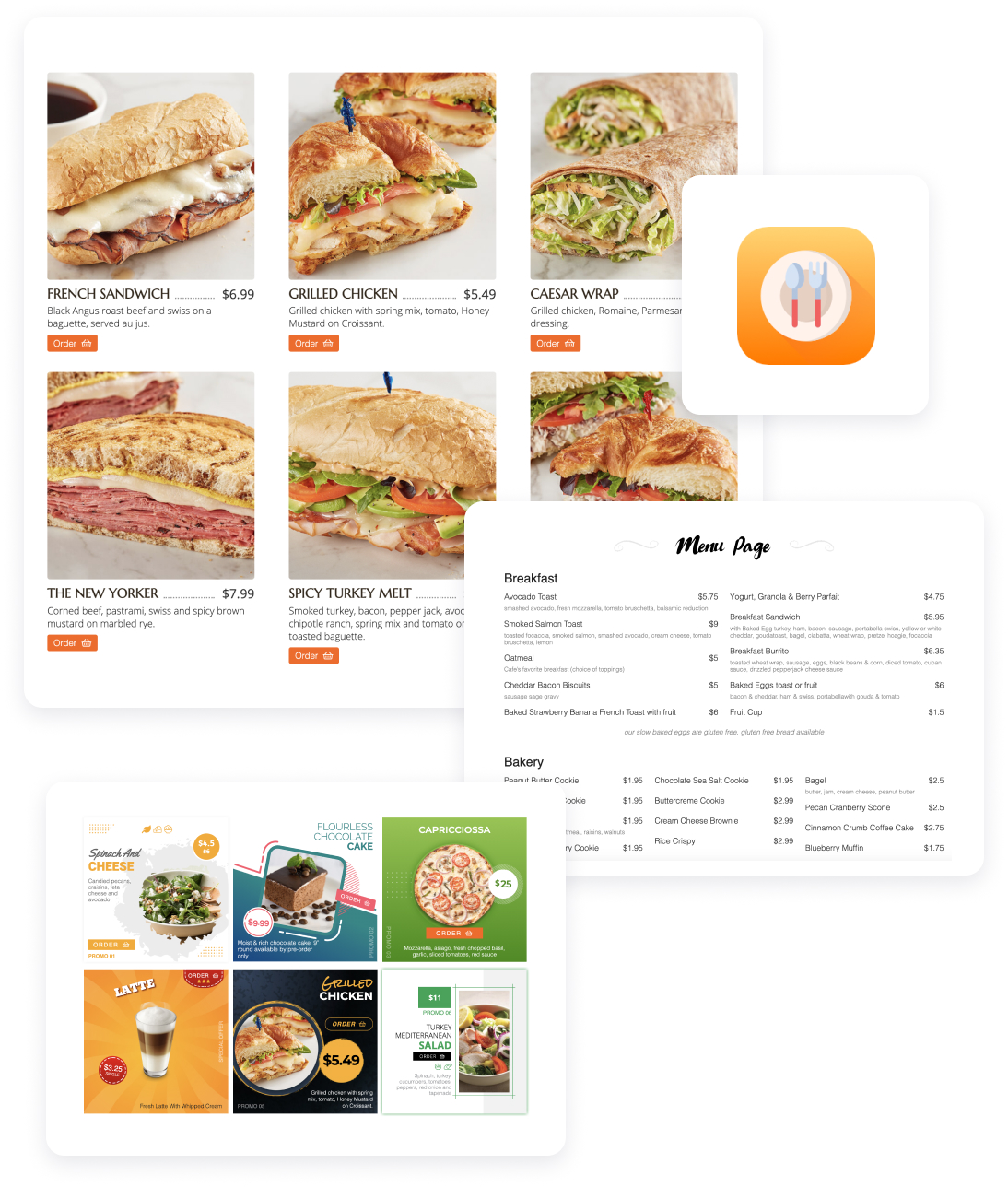
Serve your menu, take online orders, and build a loyal customer list from a restaurant website you fully own.
FW Food Menu
17 Add-ons
14 Services
Online menu and ordering platform for independent restaurants. Replace your TripAdvisor menu with a real website on your own domain. Full addon library covering photos, multi-language menus, online ordering, delivery zones, QR table service, and AI-enhanced food photography.
Responsive Online Menu
Categories & sub-categories
Meal HTML description
Individual category settings
Currency settings
Layout options

