Search
-
-
Getting started
...al fee charged to a customer. With FW Virtuemart Rental plugin you can add more functionality to your rental website and make it simple and quick to use for both the owners of stuff and those who want to rent it. In this tutorial, we will learn how to get started with FW Virtuemart Rental. We will use the following sample parameters: User account: John S...
Showcases
FW VirtueMart Rental plugin is an effective solution for adding rental functionality to your e-commerce website. This section is a collection of guides that will walk you through the basic steps to adding different kinds of rental services to your website. Explore the showcases on our demo website for inspiration with creating your own rental website follow...
Plugin configuration
Once FW Virtuemart Rental plugin is installed and enabled, it is time to configure it. In this tutorial, we will learn how to configure FW VM Rental plugin. We will use the following sample parameters: Load Font Awesome: Yes Show product availability: Yes Block days for paid orders: Yes Block days for pending orders: Yes Count first day: No Booking delay ...
Features guide
Managing your rental business is easy with FW VM Rental plugin. It offers a bunch of helpful features to help you make your product page informative and compelling for selling and/or rent. Let’s review the plugin’s features in the following order. Virtuemart native Pricing grid Stock control Rent/sale option Individual product settings Bookin...
Product display
...he screenshot below: Now, let's activate FW VM Rental plugin. Locate Extensions dropdown in the top menu of your Joomla control panel and choose Plugins from the list. Find FW VM Rental plugin using the search area. Enable the plugin if it is needed. Now, let's activate VM Product plugin. VM Product plugin allows to display a product on your e-...
Product configuration
...will learn how to configure a product using FW VM Rental plugin via VirtueMart. Make sure to understand that FW VM Rental plugin works through VirtueMart component. For that reason, you need to install VirtueMart component in order to proceed with FW VM Rental plugin. We will use the following sample parameters: Title: FW Rental Duration: 1-3; 3-5; 5-...
Administration
FW VM Rental plugin features a convenient toolset to support a better presentation of the products on your e-commerce website. With this plugin, you can present the products in the proper manner giving more valuable information to your customers. This section provides a detailed description of plugin functionality in the following order: Plugin configurat...
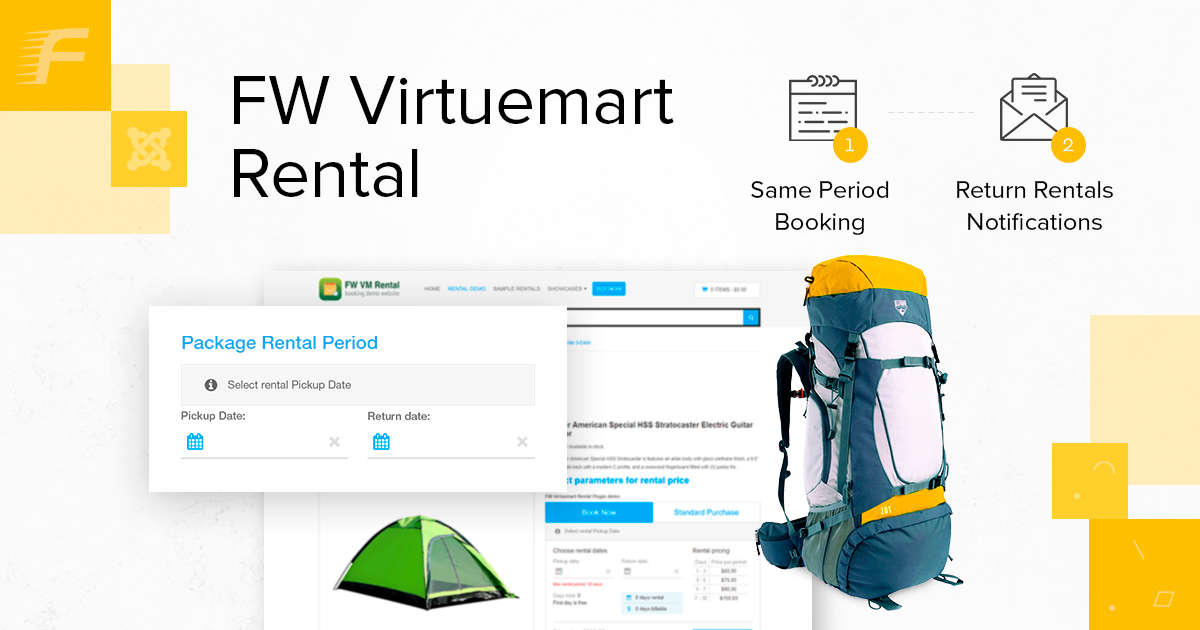
Outdoor gear group rentals
...ackage rental service, based on the FW VirtueMart Rental plugin and FW Package Rental plugin. Have a look at the showcase we have created - It allows for: Quick package renting Products quantity monitoring Setting flexible pricing terms Setting deposit/insurance terms We will describe the process for creating such a website in the following order: Cre...
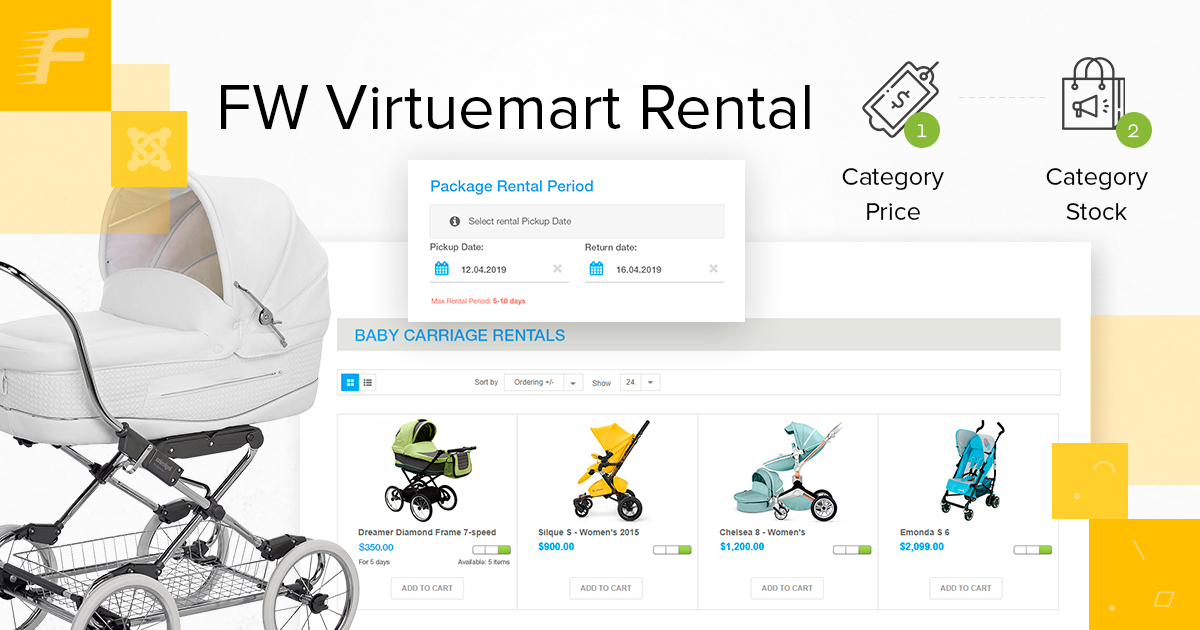
Rental Dates module
...tal Dates Module works in pair with FW VirtueMart Rental Plugin. The module facilitates the package rent - when there is need to rent out several products at a time on the same dates. We will use the following parameters: Position: top content Show title: show We will proceed as follows: How to configure and display FW VM Rental Dates Module First, letâ...
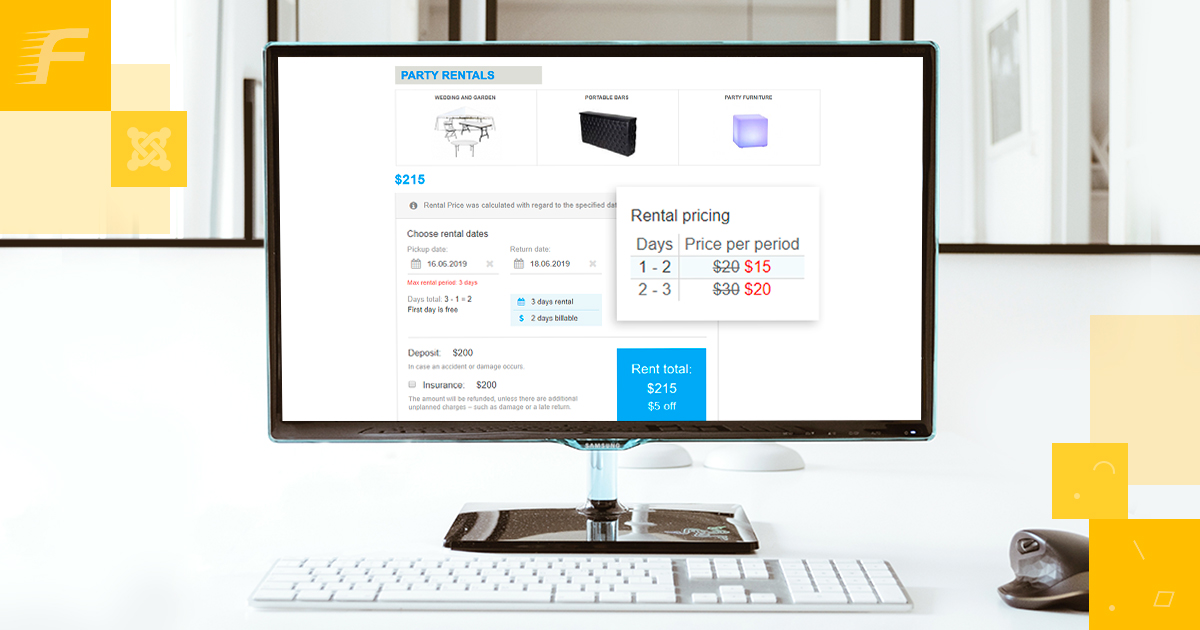
Party Rentals
...d display FW VM Rental Dates Module FW Virtuemart Rental plugin works in pair with VirtueMart component. In order to connect FW Virtuemart Rental plugin to VirtueMart component, you need to create a custom field with Plugins type. Documentation Reference: How to add a custom field tutorial. The overall process for configuring a custom field is as follows: ...